
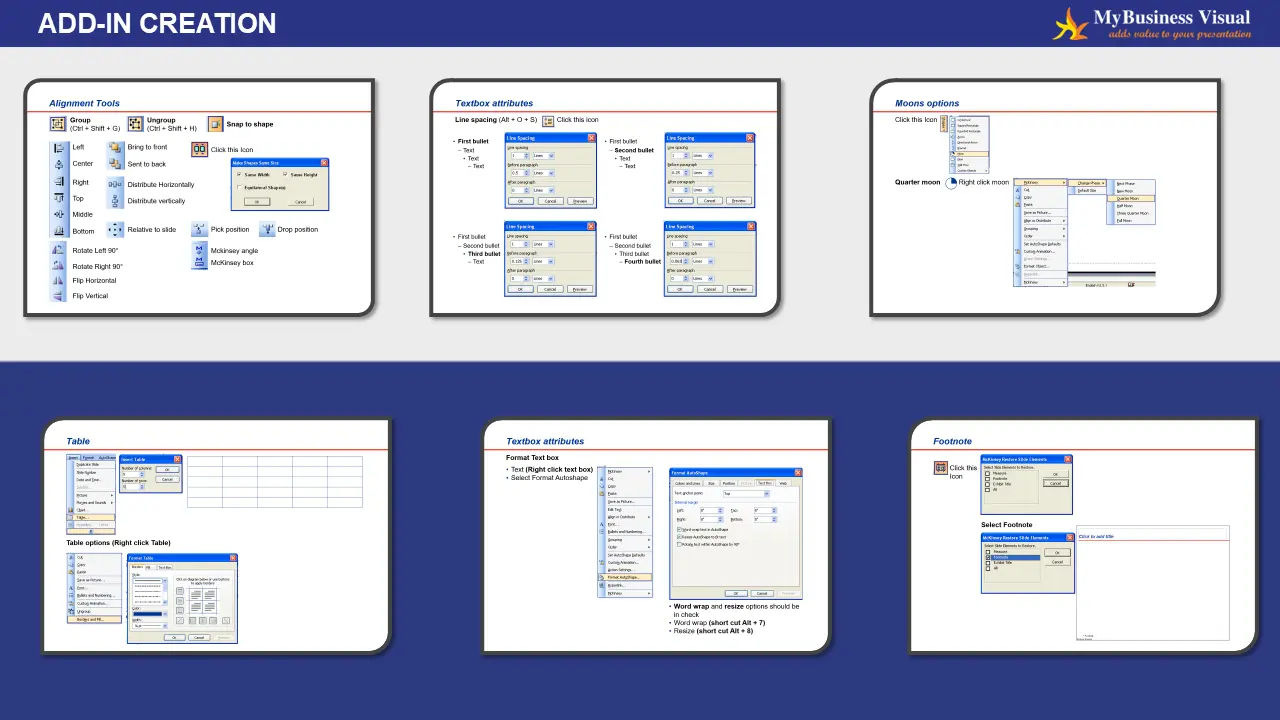
Add-in Creation is the process of developing and integrating additional functionality or features into the Office applications. Our Add-in/Macro Designer writes a visual or code-based interface for building macros—small programs that automate repetitive tasks.
Add-ins introduce features not available in the base application—like automated formatting, real-time data integration, or custom UI elements.
Users can tailor their experience by choosing add-ins that suit their workflow, industry, or preferences.
By automating repetitive tasks or streamlining complex processes, add-ins help users work faster and more efficiently.
Add-ins often work within the native interface, reducing the need to switch between tools or platforms.
Compared to building custom software, add-ins are quicker to deploy and more affordable to maintain.
Add-ins can be updated independently of the host application, allowing for continuous improvement and feature expansion.
Leveraging existing ecosystems (like Microsoft Office or Google Workspace) ensures compatibility and user familiarity.

Discover why business leaders choose MyBusiness Visual for fast turnaround, exceptional quality, and presentation designs that make an impact.